PDFFILZ vs iLovePDF | Which Free PDF Tool is the Best in 2026?
PDFFILZ vs iLovePDF, which one is the best? An honest 2026 comparison to help you pick the right free PDF tool.
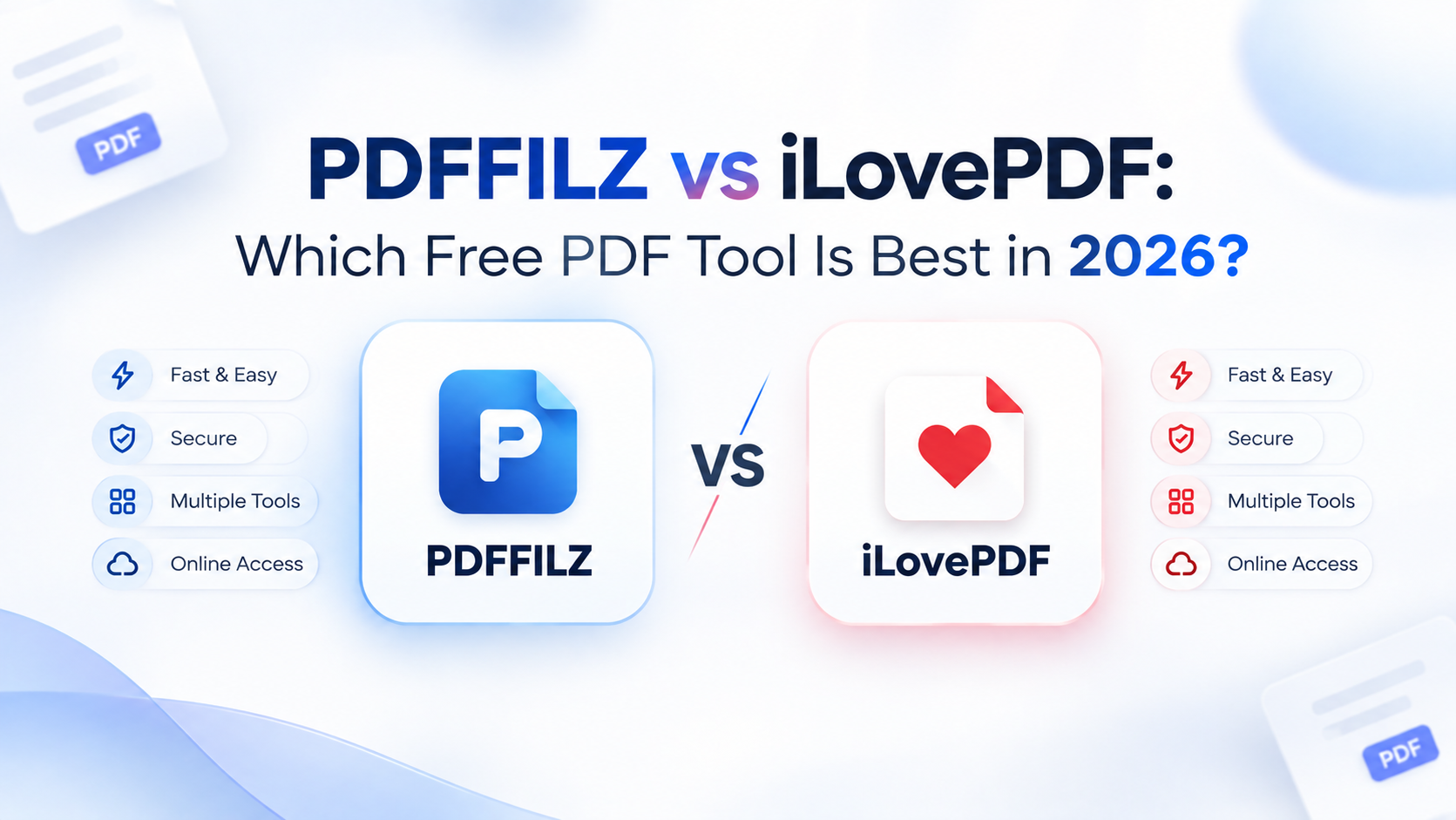
If you've typed "pdffilz vs ilovepdf" into Google, you're probably choosing between two very different philosophies for the same job: getting a PDF merged, compressed, or converted without paying for Adobe Acrobat. Both tools are free to start. Both handle everyday PDF tasks: merge, split, compress, and convert. But they get there in genuinely different ways, and that difference matters more than either homepage tells you.
This comparison breaks down where each tool actually processes your file, what iLovePDF's free plan really limits you to, what each one costs once you outgrow "free," and which one fits your specific situation better.
PDFFILZ vs iLovePDF Comparison
iLovePDF is the better choice if you want the largest tool library in one place, don't mind uploading files to a server, and are fine seeing ads or hitting file-size caps until you pay for Premium.
PDFFILZ is the better choice if you want your files to never leave your device, don't want to create an account or see ads at any tier, and mostly need core tools (merge, compress, convert, sign, redact) rather than a huge catalogue of extras. PDFFILZ does not upload your files to any third party. It securely converts PDFs in the current browser.
| Feature | PDFFILZ | iLovePDF |
|---|---|---|
| Where processing happens | On-device, in your browser (WebAssembly) | Uploaded to iLovePDF's servers |
| Account required | No, on any plan | No for free tier; required for Premium |
| Ads on free tier | None | Yes |
| Free tier limits | No file-size or task-count limits enforced | Per-tool file-size caps (roughly 100–200MB depending on the tool) |
| Batch processing | Included free | Premium only |
| Paid plan starting price | N/A (core tools free) | Roughly $4–9/month depending on billing cycle and region |
| Desktop/mobile apps | Browser-based on any device | Premium unlocks dedicated desktop and mobile apps |
| Tool count | ~28 tools | 25+ tools, broader catalogue including workflow automation |
Where Your File Actually Goes in PDFFILZ?
If you have any doubt about with whom your files are being shared. This is the part most comparisons skip, and it's the one that matters most if you're handling anything sensitive: a signed contract, a scanned ID, a draft of unpublished work.
iLovePDF processes files server-side. When you upload a PDF to merge or compress, that file travels to iLovePDF's infrastructure, gets processed there, and comes back to you. This is completely standard for the category; it's how nearly every mainstream "online PDF tool" works, and iLovePDF is transparent about being a cloud service, not hiding it.
PDFFILZ takes the opposite approach: the actual PDF manipulation happens inside your browser using WebAssembly, so the file never gets uploaded anywhere. You can verify this yourself by opening your browser's network tab while using either tool; with PDFFILZ, no request containing your file leaves your machine.
Neither approach is "wrong." Server-side processing is what lets iLovePDF offer things like OCR at scale and cross-device sync. But if you're regularly working with anything you'd rather not put on a third party's server- HR documents, medical paperwork, an NDA-covered draft- that architectural difference is the actual decision driver, more than any single feature on either tool's list.
What iLovePDF's Free Plan Actually Limits?
iLovePDF's free tier is genuinely usable, and to its credit, it isn't gated by a daily task counter the way some competitors are. What it does limit is file size per tool; figures published on iLovePDF's own pricing page put this around 100MB for tools like Split and up to roughly 200MB for Compress, varying by tool. Batch processing multiple files at once, desktop and mobile app access, and an ad-free experience are all reserved for Premium, which runs roughly $4–9 a month depending on whether you're billed annually or monthly.
PDFFILZ doesn't have a comparable tier structure for its core toolset, because there's no server doing the work; there's no server cost to recoup through file-size gating, so the free version isn't throttled the same way.
Ads and Accounts
iLovePDF shows ads on its free tier; removing them is one of the stated benefits of upgrading to Premium. PDFFILZ doesn't run ads on any tier. Neither tool requires an account to use its free features, but iLovePDF's Premium plan, and the desktop/mobile apps that come with it, do require creating one.
If you're doing a single, occasional PDF task, this barely matters. If you're a student, freelancer, or small business doing this weekly, ad-free and account-free by default is a meaningfully different day-to-day experience.
Tool Selection
iLovePDF has the broader catalogue; beyond the core merge/split/compress/convert set, it includes workflow automation, PDF editing, and a wider range of format conversions, which makes sense given how long it's been building out its suite. PDFFILZ's toolset covers the same core operations plus some less common ones (true redaction that permanently removes data rather than just visually covering it, a PDF metadata editor, and a PDF comparison/diff tool) but doesn't yet match iLovePDF's total breadth.
If your PDF needs are broad and varied, occasional workflow automation, less common conversions, iLovePDF's catalogue gives you more to work with in one place. If your needs are the core set most people actually use day to day, the gap in practice is smaller than the raw tool count suggests.
Speed and Convenience
Because PDFFILZ never uploads your file, there's no upload progress bar to wait through, processing starts the moment you select a file, and total speed depends on your device rather than your internet connection. iLovePDF's speed depends on both your upload bandwidth and their server load, which is usually fast but is an extra variable, particularly for larger files or slower connections.
Which One Should You Use?
Choose iLovePDF if: you want the widest tool catalogue in one place, you're comfortable with server-side processing, and you don't mind ads or occasional file-size caps on the free tier.
Choose PDFFILZ if: you want your files to stay on your device by default, you'd rather not see ads or create an account at any tier, and your PDF tasks fall within the core toolset (merge, compress, convert, sign, redact, and similar).
Use both: plenty of people do. iLovePDF for the occasional task outside PDFFILZ's current toolset, PDFFILZ for anything where keeping the file off a server matters.
Frequently Asked Questions
Is PDFFILZ actually free, or is there a hidden paid tier?
PDFFILZ's core toolset is free with no account required. There's no server cost being recouped through file-size gating, since processing happens on your device rather than PDFFILZ's infrastructure.
Does iLovePDF upload my file to its servers?
Yes. iLovePDF is a cloud-based service; files are uploaded, processed on iLovePDF's servers, and returned to you. This is standard for most online PDF tools and is disclosed in iLovePDF's own documentation.
Which has more PDF tools, PDFFILZ or iLovePDF?
iLovePDF currently offers a broader catalogue, including workflow automation and a wider range of format conversions. PDFFILZ covers the core set most people use regularly, plus a few less common tools like true redaction and PDF comparison.
Is there a free version of iLovePDF without ads?
No, ad removal is a Premium feature on iLovePDF. PDFFILZ doesn't show ads on any tier.
Which is safer for sensitive documents, PDFFILZ or iLovePDF?
For documents you'd rather not have leave your device, PDFFILZ's on-device processing means the file is never uploaded anywhere. iLovePDF's server-side processing is standard industry practice and is disclosed as such, but it does mean your file is transmitted to and briefly stored on their infrastructure.
Ready to optimize your documents right now?
Merge files, compress PDFs, convert Word documents, and sign forms inside your browser with zero file uploads.