Word to PDF
Transform Microsoft Word documents into pixel-perfect PDF files instantly without losing formatting.
10 / 10 free operations left today · go unlimited with Pro
Drop your Word documents (.docx) here
Max 50MB per file · 100% Private On-Device
Your files remain private and will be deleted from our servers within 24 hours.
Word to PDF · Ratings & Reviews
Rate this tool:
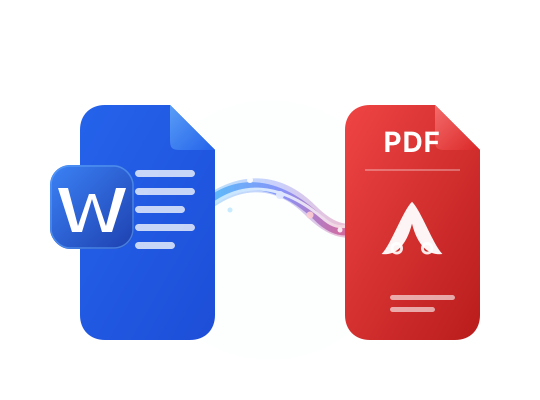
Convert DOC and DOCX Word Files to PDF
Turn a school assignment, resume or business report into an easy-to-share PDF using our Word to PDF converter. Select a Microsoft Word document, start the conversion and download the result. The tool is built for quick DOCX to PDF and DOC to PDF tasks
You can work directly in your browser without installing desktop software or creating an account. Save the resulting PDF, attach it to an application or send it by email for a smoother document-sharing workflow. Need a smaller attachment? Try our Compress PDF tool after conversion.
Maintain a Familiar Layout
Keep headings, paragraph spacing and page breaks consistent in the converted PDF file on screen.
Use Your Existing Device
Convert Word documents from a Windows PC, Mac, iPhone or Android browser without extra apps.
Free, No-Watermark Output
Get a PDF without added branding, paid software or a registration form on your pages.
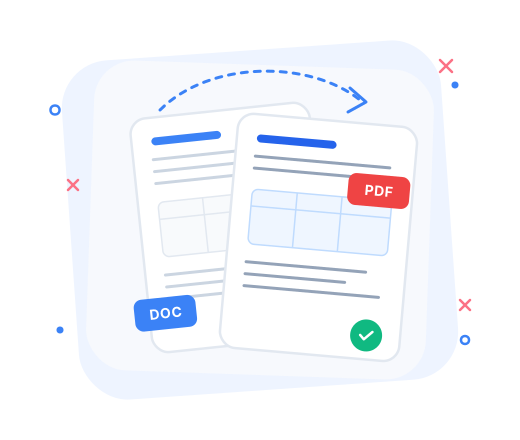
Keep Fonts, Tables and Page Layout Consistent
Sharing a Word file can sometimes change its appearance on another computer. Converting it to PDF helps keep page dimensions and text placement stable. PDFFILZ is designed to retain common formatting elements, including headings, lists, embedded images, tables, margins and page breaks. This helps readers on phones and laptops.
This matters for job applications, course materials and client proposals. If several related documents belong together, combine their converted files with our Merge PDF tool. Check unusual fonts, embedded charts and complex layouts before printing or submitting the important document.
Retain headings, paragraph spacing and page breaks for a consistent document presentation across devices.
Keep tables, inline images and multiple columns readable across common viewing devices and screen sizes.
Review special fonts and embedded objects before distributing important print-ready PDF files widely.

Private Browser Conversion with Fast Batch Export
Resumes, contracts and financial reports can contain sensitive details. This Word converter is designed for client-side processing inside your browser, so you can handle files through a familiar web interface without installing a separate app. Check the current privacy notice before processing highly confidential documents on shared devices
Have several Word documents? Select multiple supported files for batch conversion instead of restarting for each one. This helps with assignments, invoices and shared reports. Working with slides too? Our PowerPoint to PDF tool offers a dedicated converter for presentations.
Browser-based processing is designed to keep document handling within your own device where possible.
Batch conversion reduces repeated steps when preparing several DOCX documents for sharing by email.
Check the upload box for current file-size allowances and daily free-operation limits before starting
Frequently Asked Questions
Helpful answers about Word formats, formatting, privacy, batch conversion and free usage.
All Tools
Runs directly inside your browser · Files stay on your device